
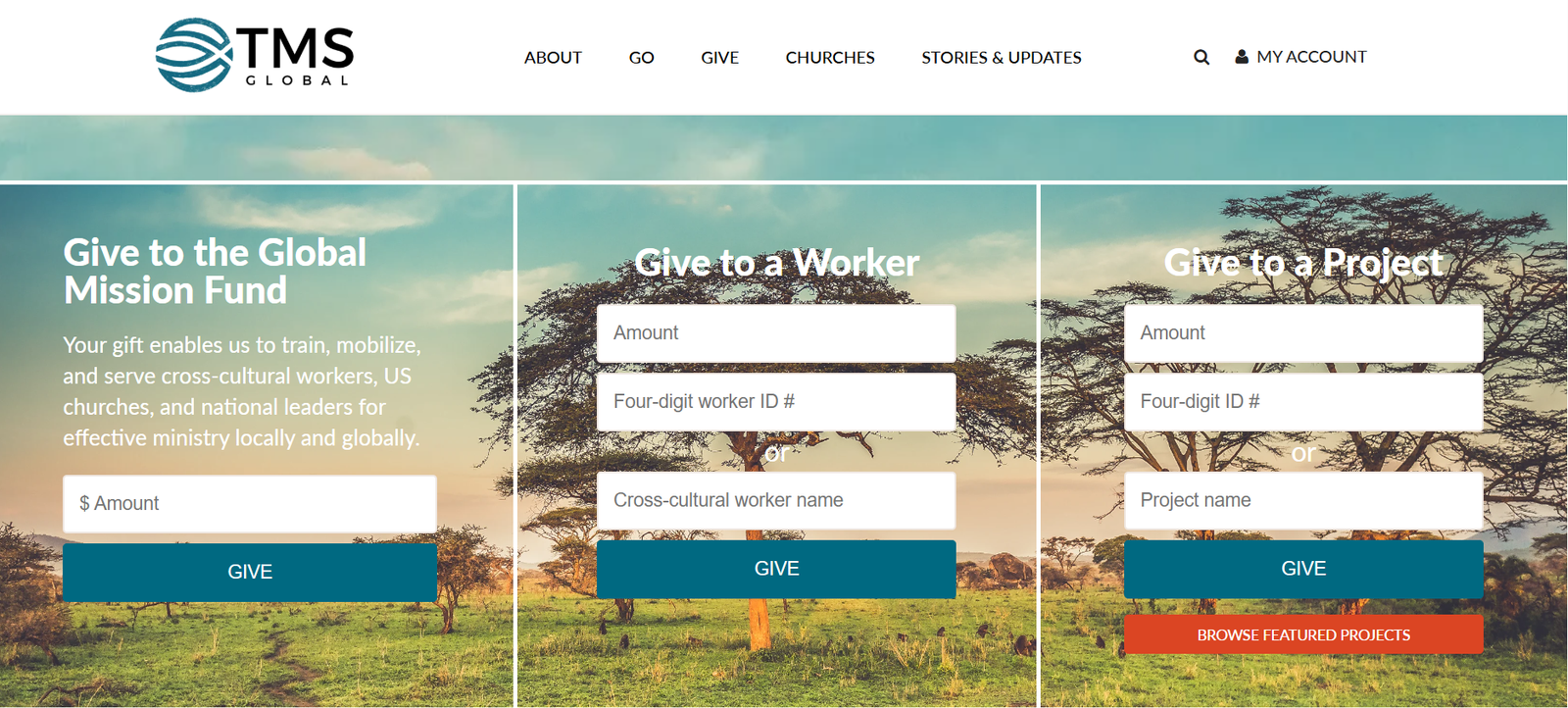
Once you click the «Donate» link, which you can find above, you’ll be taken to the TMS Global giving page! Below are photos and step by instructions on how to give.
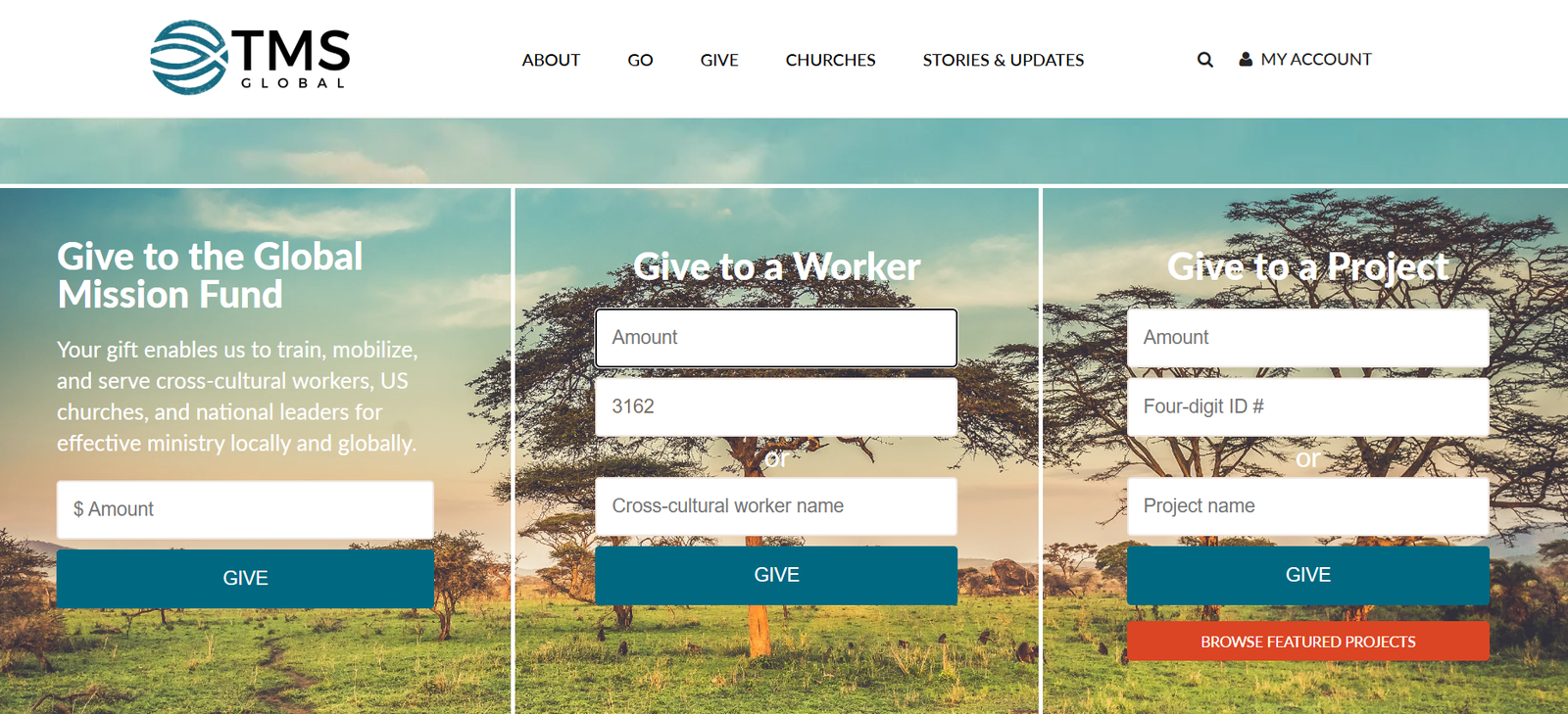
Under «Give to a Worker», type in the amount you’d like to give and ID# 3162.
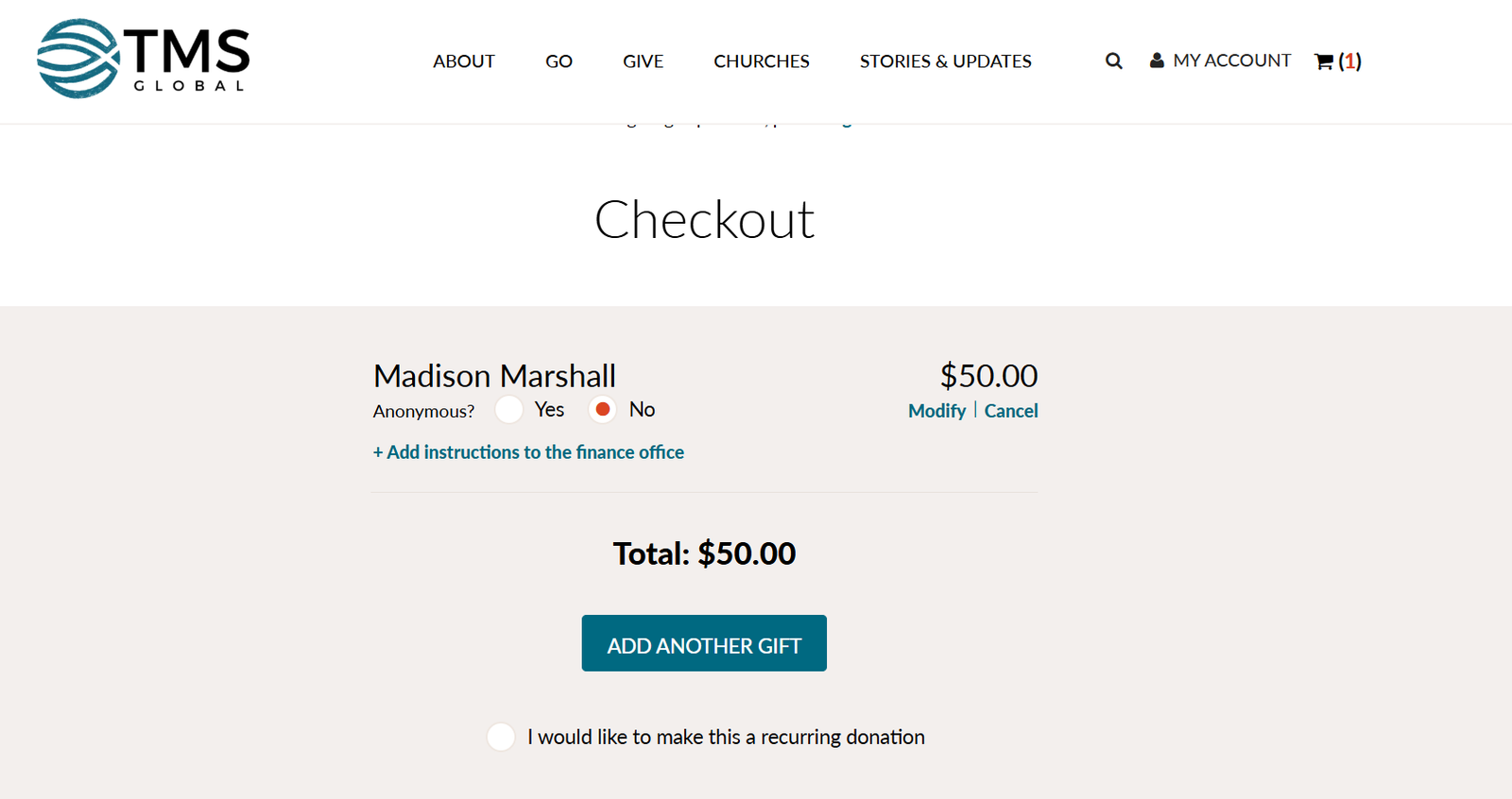
You’ll then be taken to this page where you have the option to just give one time or begin making recurring (monthly) donations. If you plan to just give one time then type in your card information and checkout!
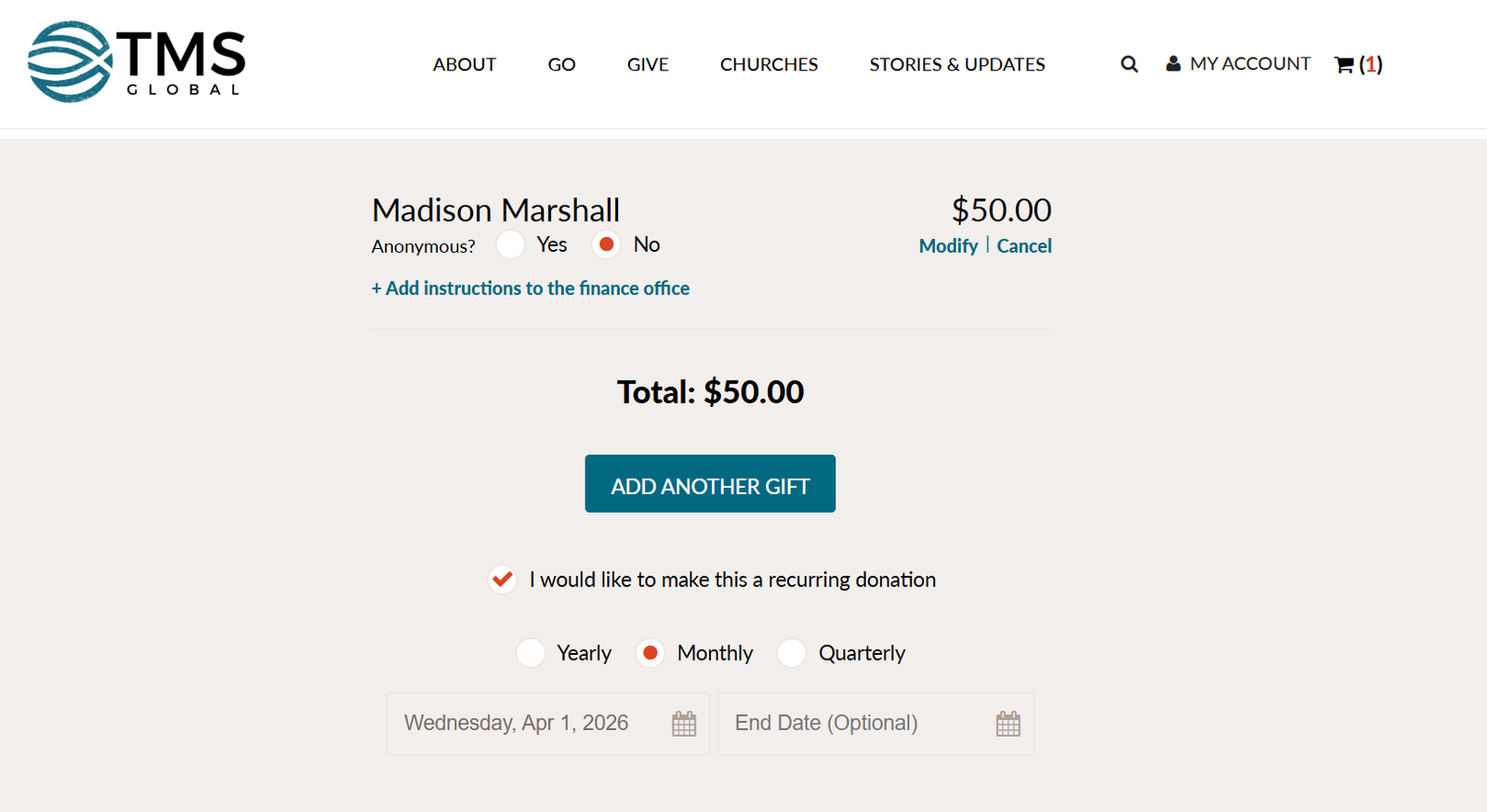
After choosing to make a recurring donation, you’ll choose monthly and a start date for when you’d like to start giving! Type in your card information and checkout! Thank you so much!
ADD ANOTHER DONATE LINK!!!